Paid discovery · The data
A conversion tracking audit that tells you why your ad numbers don't add up.
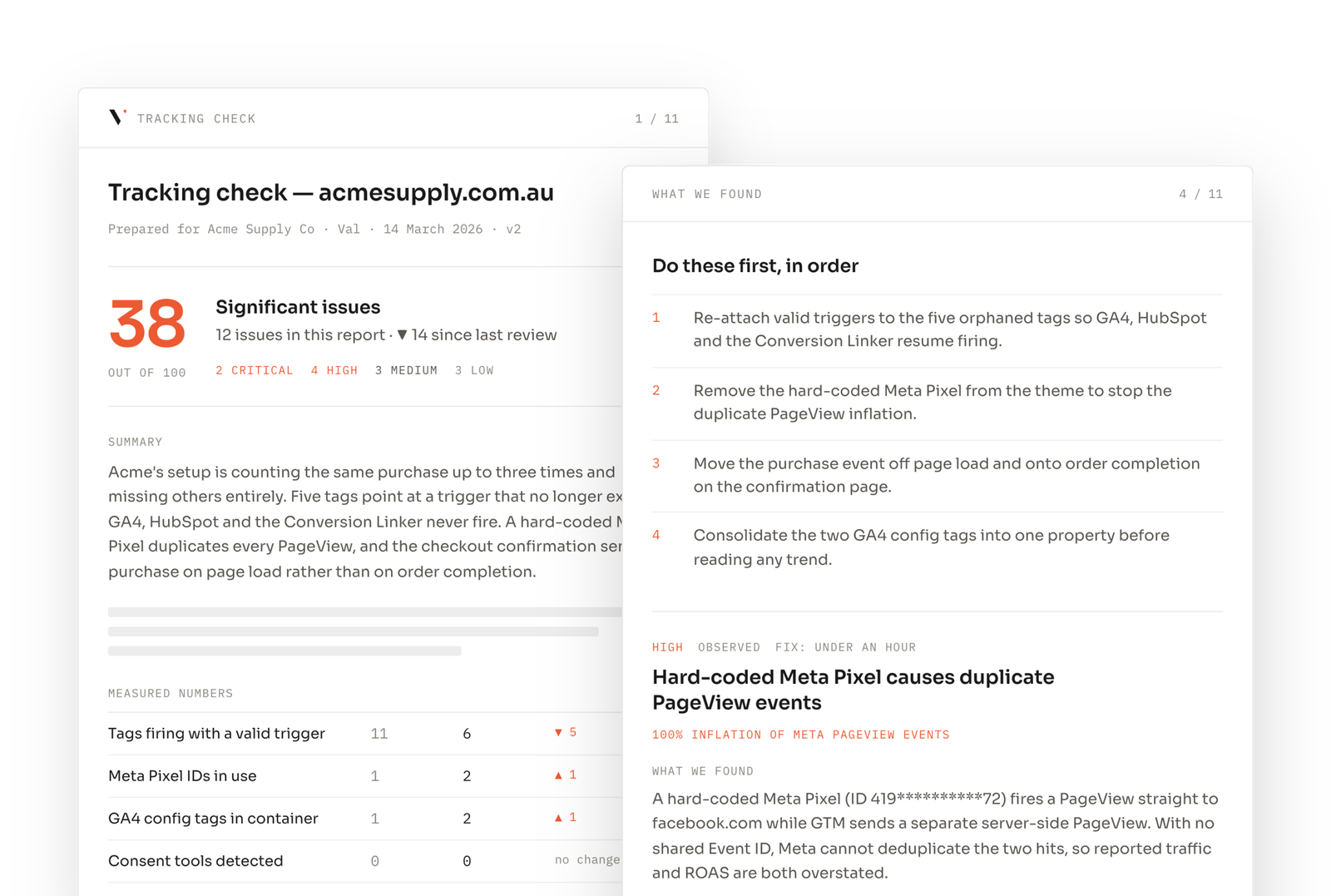
Read-only access to your site, GTM, GA4 and ad accounts. I inventory what is actually firing, find the duplicates and the gaps, and hand back a fix list ranked by what it costs you. Plain English, no jargon in the findings.
Start free
See what your tracking looks like from outside first.
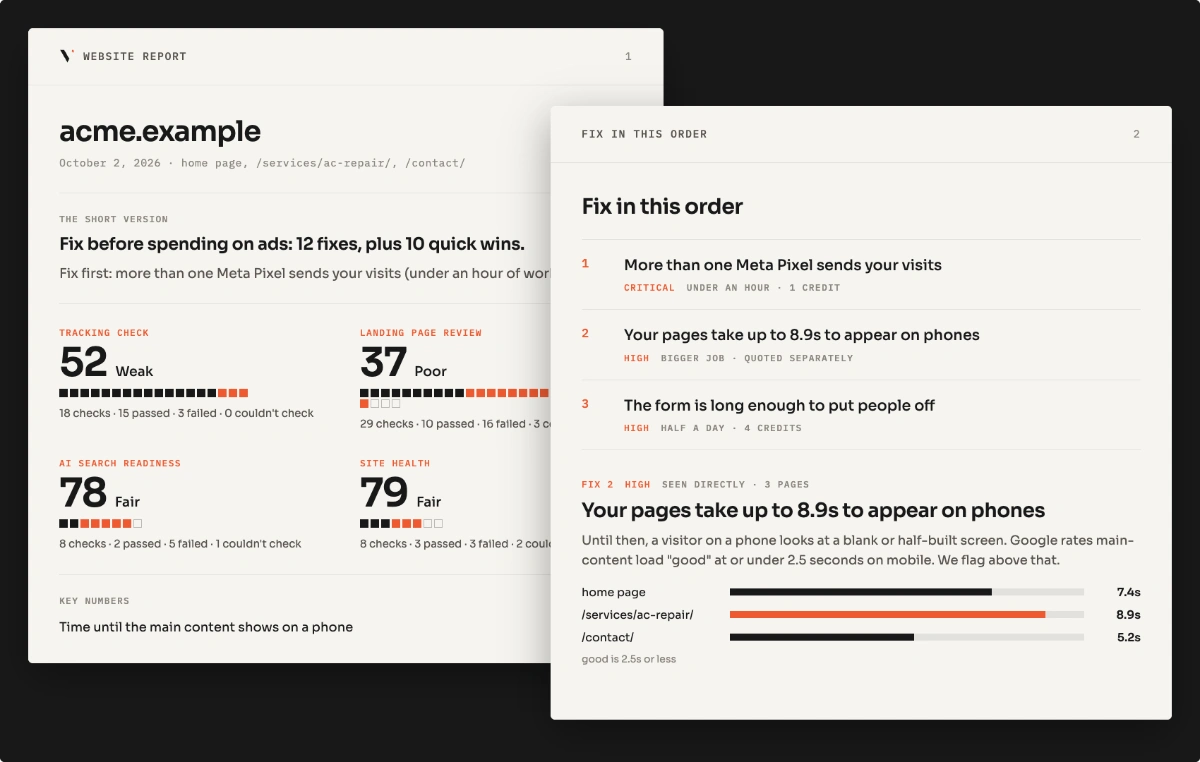
Seven checks on one landing page: tags, duplicate containers, consent blocking, mobile speed, forms. No login. If it comes back clean, you probably don't need this audit.
Already know it's broken?
Who it's for
If any of these sound like your last reporting call, this is the right page.
"Google Ads and GA4 disagree and nobody can tell me which to trust."
Usually attribution windows plus a duplicate container.
"Conversions dropped the week we added the cookie banner."
Tags blocked until accept, with no server-side fallback.
"We inherited the account and don't know what's in the container."
You get the inventory: every tag, trigger and event.
"We get more conversions than leads."
Conversion tags firing on the button click, not on the completed submit.
The picture
One form submit, five places the number can change before you see it.
Scope
What goes in, and what comes back out.
One client account, one problem, checked by hand against a spec I maintain. Every finding says whether I saw it happen or inferred it from the setup, so you know which ones to act on first. Server-side GTM implementation is not included; that’s a build.
 GTM
GTM GA4
GA4 Google Ads
 Meta CAPI
 LinkedIn
Questions
What people ask before booking a tracking audit.
Anything else, write to hi@vlbonite.co and I’ll answer it myself, usually the same day.
A systematic check that every conversion is counted once and counted correctly, across your site, GTM, GA4, Google Ads, Meta and LinkedIn. I look at what actually fires in the browser, not just what’s installed: tags and triggers, conversions that fire on a click instead of a completed action, duplicate pixels and IDs, event names and Meta deduplication, failed or placeholder tags, consent blocking, attribution settings, and the handoff into your CRM. You get an inventory, a findings report with severity (each finding marked as seen or inferred), and a prioritised fix list.
Five business days, one client account. The five days start once access is confirmed. No call needed to start. Fixes are available at fixed prices, shown in your report.
Read-only, always: GTM as a viewer, GA4 as a viewer, Google Ads as a read-only user, and Meta through Business Manager with view access to the ad account and the pixel in Events Manager. Add a read-only CRM seat if the CRM handoff matters. No passwords, no changes to live campaigns, and you revoke access the day the report lands.
Yes. Each fix is written for whoever does the work, your dev or mine, with where it happens and what to change.
The audit tells you what's broken. The build makes it count once, everywhere.
Fixed scope, quoted from the findings, scoped on one 45-minute call after you have the report, so the call is about the fix and not the pitch.
Server-side GTM
One container you control, surviving consent and ad blockers.
Meta CAPI with deduplication
Shared event IDs, so Meta counts one event instead of two.
Reporting that matches the CRM
One number for closed revenue, visible in Ads, GA4 and Looker.
Read first
Find out what your tracking is actually reporting
Start with the free page scan, or request the audit directly.