Paid discovery · The follow-up
Lead follow-up automation, so no lead from your ads goes cold.
I map what happens to a lead after someone fills in your form: where it goes, who gets it, and how fast they reply. Then I plan the automation that closes the gaps, in your CRM, in plain English.
Start free
See what your landing page looks like from outside first.
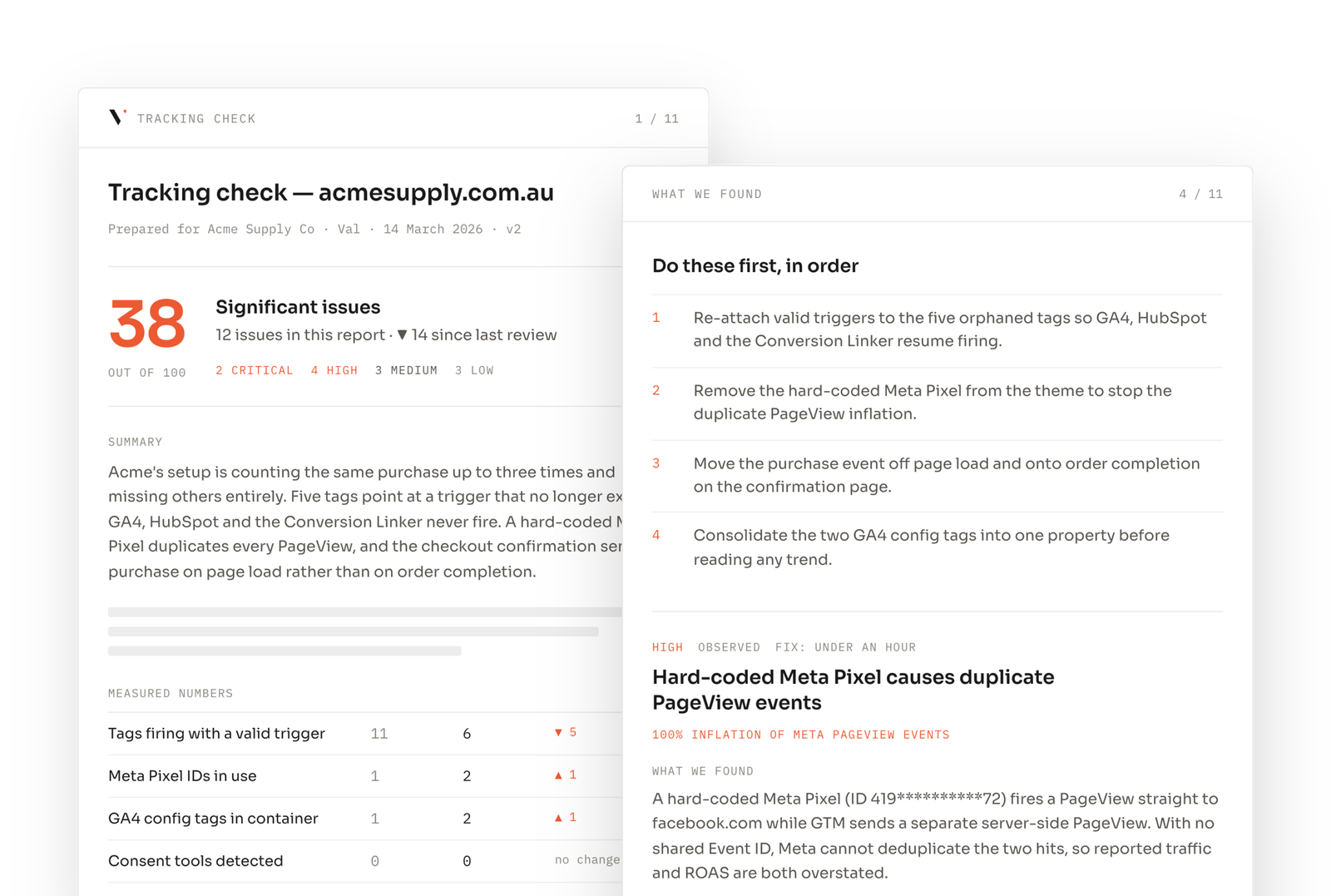
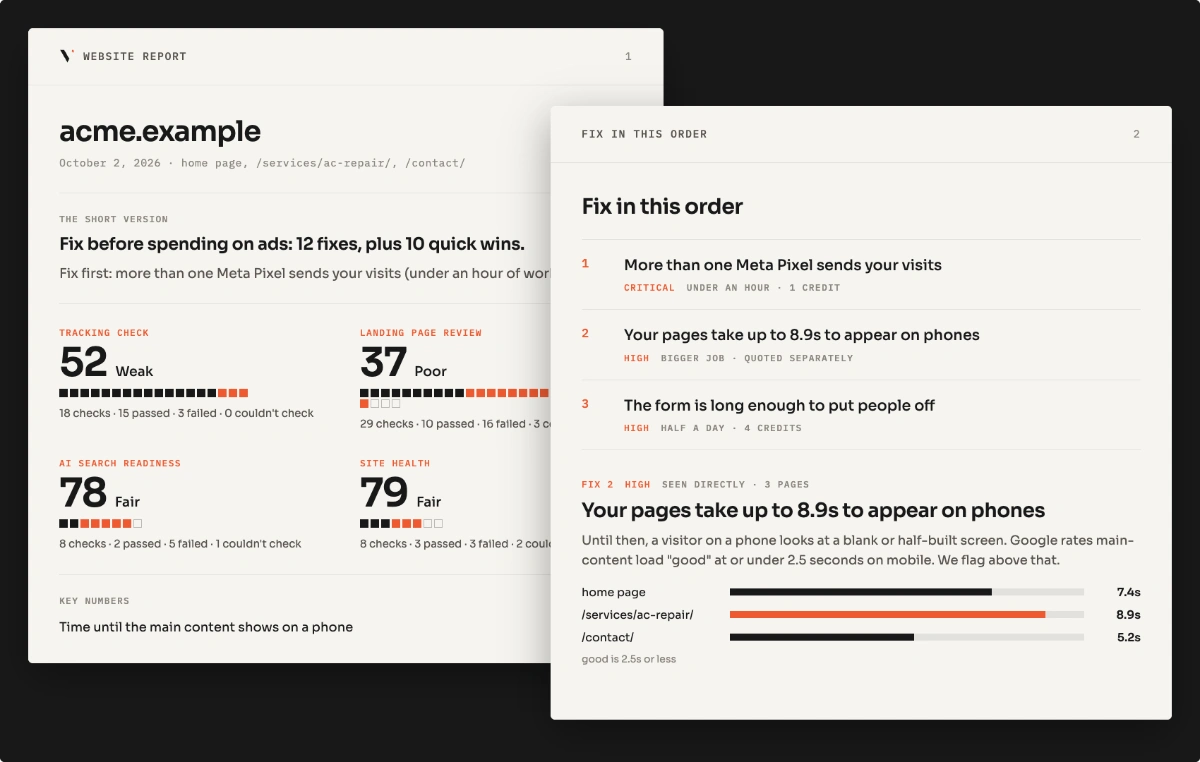
Seven checks on one landing page: tags, duplicate containers, consent blocking, mobile speed, forms. No login.
Already know it's broken?
Who it's for
If any of these sound like your last conversation about leads, this is the right page.
"Leads sit in an inbox for days before anyone calls."
No one is told a new lead has arrived.
"We don't know which leads came from which ad."
The source gets lost between the form and the CRM.
"Sales says the leads are bad. Marketing says sales doesn't follow up."
Nobody can see what actually happened to each lead.
"We pay for HubSpot but only use it as a contact list."
The tools are there. They just aren't set up.
The picture
One form submit, five steps before anybody replies to it.
Scope
What goes in, and what comes back out.
One lead flow, from form to first reply, mapped by hand. Every finding says what I saw and what I inferred. The blueprint is the plan; building it is the next step.
Questions
What people ask before booking a blueprint.
Anything else, write to hi@vlbonite.co and I’ll answer it myself, usually the same day.
One lead flow, from the form someone fills in to the first reply they get. I map where the lead goes, which CRM record it creates, whether its ad source is kept, who is told about it, what follow-up emails go out, and whether results are sent back to the ad platforms. You get a map of the current flow, a list of gaps and fixes, a build plan, and a 20-minute walkthrough.
Ten business days, one lead flow. The clock starts once access is confirmed. No call needed to start. The build is quoted separately, from the blueprint.
A read-only seat in your CRM, and viewer access to the form tool and Google Tag Manager if the form is tracked there. No passwords, no changes to live workflows, and you can remove access the day the blueprint lands.
No. The blueprint is the plan: what to set up, in what order, and where. Building it is a separate, fixed-scope job quoted from the blueprint. Your own CRM admin can also build from it.
Then: the build
The blueprint shows the plan. The build makes it run.
Each of these is a fixed scope, quoted from the blueprint, so the conversation after it is about the work and not the pitch.
Automation build
I set up the routing, alerts and follow-up in your CRM.
Lead quality sync
Your ad platforms learn which leads became customers.
Conversion tracking audit
Make sure every lead is counted before it's routed.
Read first
Find out where your leads go cold
Start with the free page scan, or request the blueprint directly.