
Short answer: For a test order, your Shopify Facebook pixel (now called the Meta pixel) should send one AddToCart per add, and one Purchase with the right value. If it sends two, none, or the wrong amount, your ads learn from bad data during the most expensive weeks of the year. You can check all of it yourself with free tools before Black Friday.
These seven checks use free tools. Run them now, while there’s still time to fix what you find.
Before you start
- Install Meta Ads Data Advisor (formerly Meta Pixel Helper) in Chrome. My Meta Pixel Helper guide shows how to read it.
- Open Meta Events Manager and select your pixel.
- Have a product you can buy and refund, or a discount code that brings one to a low price.
1. Is the pixel installed only once?
On Shopify, the Meta pixel usually comes from the Facebook & Instagram app (Meta’s sales channel). Problems start when it’s also added by Google Tag Manager, a theme file, or another app.
Check: open a product page and click Pixel Helper. You should see one pixel ID. Two IDs, or one listed twice, often means it’s installed twice. Confirm by checking whether each event fires twice.
2. Does PageView and ViewContent fire on product pages?
Check: on a product page, Pixel Helper should show PageView and ViewContent. Without ViewContent, Meta can’t build audiences of people who viewed a product, or run dynamic product ads well.
3. Does AddToCart fire once?
Check: add a product to the cart. You should see one AddToCart, with a value and currency. Two AddToCart events for one click is a duplicate.
4. Does Purchase fire once, with the right value?
Place a test order, then refund it in Shopify.
Check: in Events Manager, under Test events, you should see one Purchase. The value should match the order total (Shopify includes duties, taxes and discounts) and the currency should be right. If the value is zero or missing, Meta can’t tell your big orders from small ones.
5. Is Google getting it too?
Check: open Google Analytics, go to Realtime, and look for your test purchase. If one tool shows the order and the other doesn’t, see why Google Ads and GA4 show different numbers.
6. Does your cookie banner work both ways?
Check: in a private window, click Reject All on your cookie banner. If your store requires consent for that visitor, nothing from Meta should fire. Then reload, accept, and check that the pixel does fire. Shopify only waits for consent in markets you set to require it (usually the EU and UK), so for US visitors it may fire straight away by design.
If the pixel fires after a visitor says no in a market where you ask for consent, that’s a privacy problem. If it never fires even after they accept, you’re losing data for nothing.
7. Do checkout apps keep the chain intact?
Upsell apps, subscription apps and “buy now, pay later” options can move buyers through a different checkout.
Check: place one test order through each app you use. Each order should still show one Purchase in Events Manager.
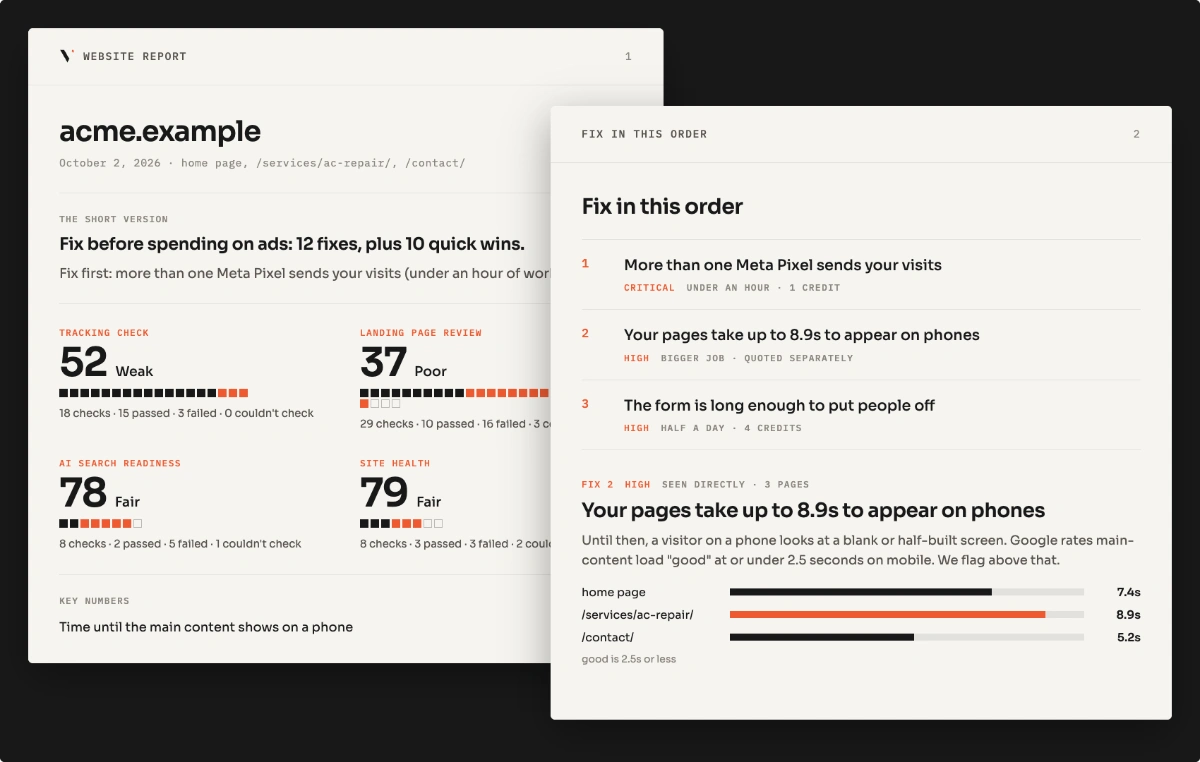
Short on time? Run the free scan on your store’s homepage. It checks one page.
Pixel or Conversions API: do you need both?
Shopify’s Facebook & Instagram app can send events from both the browser (pixel) and Shopify’s servers (Conversions API). Using both catches orders the browser misses, such as from shoppers with ad blockers. Meta needs to match them, or each order counts twice. How that works is in Meta Pixel vs Conversions API.
Why check before Black Friday?
Meta’s ads learn from your purchase data. If you raise your budget on broken tracking, the ads learn the wrong lessons at the moment you can least afford it. Fixing early gives them clean data before the sale starts.
FAQ
How do I know if my Shopify Facebook pixel is working? Install Meta Ads Data Advisor (formerly Meta Pixel Helper), add a product to the cart and place a test order. You should see one AddToCart and one Purchase, each with a value.
Why is my Shopify pixel firing twice? Often because it’s installed in two places, such as the Facebook & Instagram app and Google Tag Manager. Keep one. Browser plus Conversions API is fine, as long as Meta matches them.
Is the Facebook pixel the same as the Meta pixel? Yes. Meta renamed it. Shopify and older guides may still say Facebook pixel.
Can I check this without giving anyone my Shopify login? Partly. Checks 1 to 3 work from the outside. The test order, refund and Events Manager checks need your own access, but you don’t have to share your login with anyone. The Lead Leak Report works from the outside.
Is your website losing the leads your ads pay for?
Free scan of one page, or the $49 Lead Leak Report for up to three.