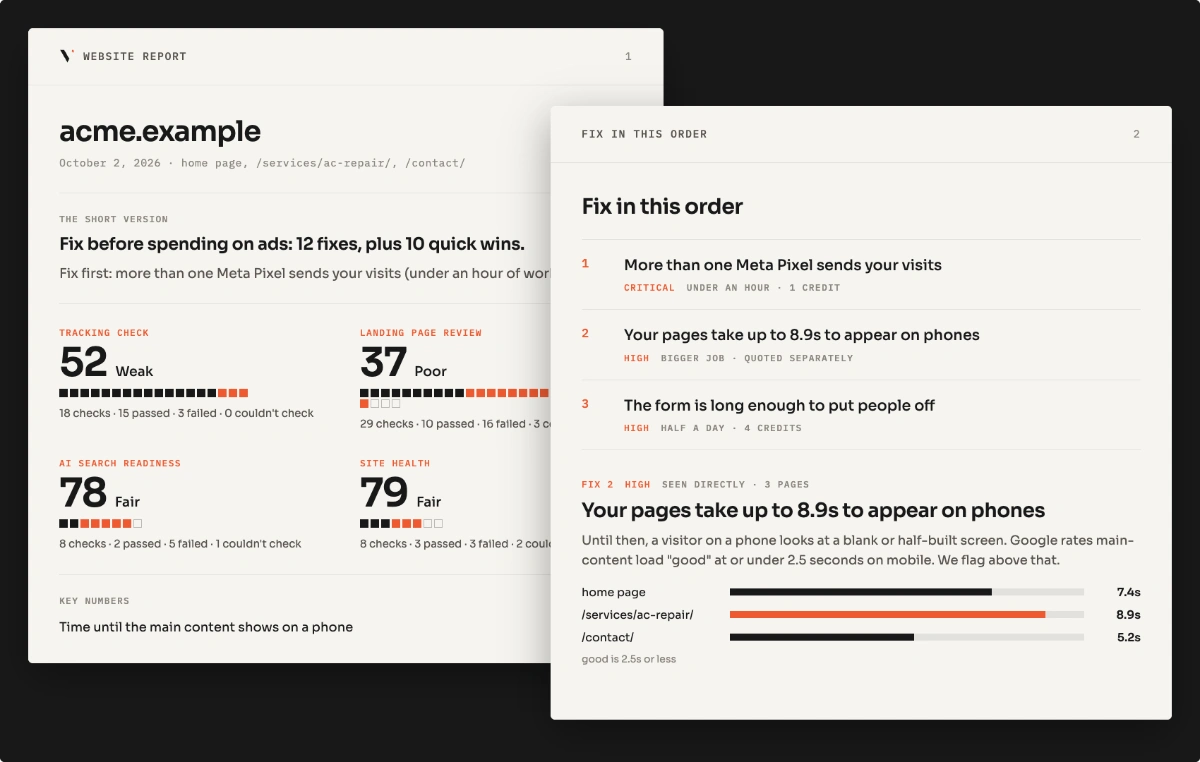

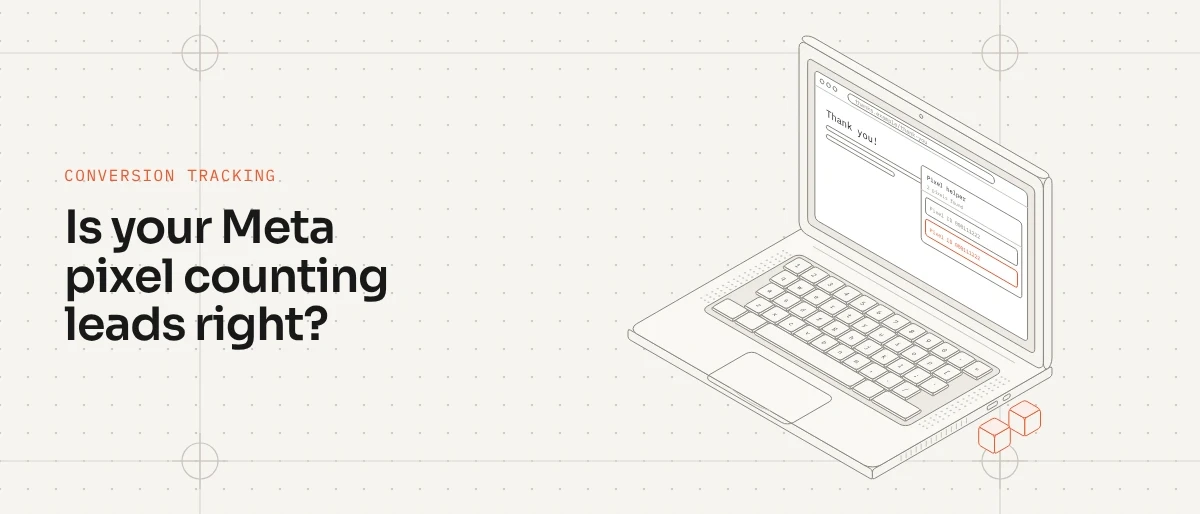
Short answer: Meta Pixel Helper, now called Meta Ads Data Advisor, is a free Chrome extension that shows which Meta pixel events fire on the page you’re on. Use it with Meta Events Manager to check, in about 10 minutes, whether your ads are counting real leads, counting them twice, or missing them. Some gap between Meta and your CRM is normal. A big one you can’t explain is worth checking.
Why bother? If Meta counts leads twice, or counts things that aren’t leads, its ads learn from the wrong data and spend your budget on whatever looks like it works. Here’s how to find out what’s wrong.
What you need
- Meta Pixel Helper. Install it from the Chrome Web Store. Search “Meta Ads Data Advisor” (Meta renamed Pixel Helper in 2026; old installs update automatically). Turn off your ad blocker for your site while testing.
- Access to Meta Events Manager. It’s in your Meta Business account, under Data sources.
- Your website open in Chrome, plus the address of your thank you page.
Step 1: Check the pixel loads once
Open your homepage and click the Pixel Helper icon. It lists every pixel it finds.
What good looks like: one pixel ID, with a PageView event.
What to watch for: two different pixel IDs, or the same one listed twice. This often happens when a plugin adds the pixel and Google Tag Manager adds it again. Events can then fire twice, and Meta can show more leads than you got.
Step 2: Check the Lead event fires at the right moment
Open your contact page. Watch Pixel Helper as you click into the form, but don’t submit it yet.
What good looks like: no Lead event until the form is sent.
What to watch for: a Lead event that fires when the page loads or when someone clicks a button. Those aren’t leads, but Meta counts them.
Now submit a real test. You should see exactly one Lead event, on the thank you page or right after sending.
Step 3: Confirm it in Meta Events Manager
Pixel Helper shows what your browser sends. Meta Events Manager shows what Meta actually received.
- Open Events Manager and select your pixel.
- Go to Test events, enter your website address and open it from there. Keep the Test events page open while you test.
- Submit your form again.
- Check that one Lead event arrives.
If you also send leads through the Conversions API, you’ll see the same lead from the browser and from your server. That’s fine, as long as both send the same event name and event ID so Meta can match them into one. If they don’t match, leads can be counted twice. I explain how matching works in Meta Pixel vs Conversions API.
While you’re in Events Manager, open the Diagnostics tab. Meta lists problems it has spotted with your setup there.
Step 4: Test your cookie banner
Open your site in a private window. Click Reject All on your cookie banner, then check Pixel Helper.
What good looks like: if your site asks for consent, nothing from Meta fires after you reject.
What to watch for: events that fire before you choose anything, or keep firing after you say no. Your numbers may look fine, but you have a privacy problem instead.
When the banner works, Meta will see fewer leads than your CRM. That gap is expected.
Step 5: Check calls and bookings
Tap your phone number and click your booking button while watching Pixel Helper.
Check in Events Manager’s Test events too, because the extension can miss button clicks. If nothing arrives there, those leads are invisible to Meta. Your CRM has them, Meta doesn’t, and your ads get no credit for them. For businesses that get most leads by phone, this can be the biggest gap. See phone call tracking for home service businesses.
Short on time? Run the free scan on your landing page. It checks one page.
What Pixel Helper can’t tell you
Pixel Helper only sees what your browser sends. It can’t see:
- Events sent from your server (Conversions API)
- Whether Meta matched browser and server events into one
- What happens on pages you didn’t visit, like a separate booking site
- Spam or bot submissions that look like real leads
For those, compare a week of Meta leads against your CRM. If the gap is still unexplained, look deeper: Tag Manager, server-side tracking, consent, or how your CRM counts leads. That’s when a conversion tracking audit makes sense. Google has its own version of this gap; see why Google Ads and GA4 show different numbers.
FAQ
What is Meta Pixel Helper? A free Chrome extension from Meta, now called Meta Ads Data Advisor, that shows which pixel events fire on the page you’re viewing.
Why does Pixel Helper show my pixel twice? Often because it was installed in two places, such as a plugin and Google Tag Manager. Find both, then remove the one you don’t need.
What’s the difference between Pixel Helper and Events Manager? Pixel Helper shows what your browser sends. Events Manager shows what Meta received, including server events.
Does Pixel Helper work on Shopify? Yes. The checks for stores are in the Shopify Facebook pixel guide.
Is your website losing the leads your ads pay for?
Free scan of one page, or the $49 Lead Leak Report for up to three.