
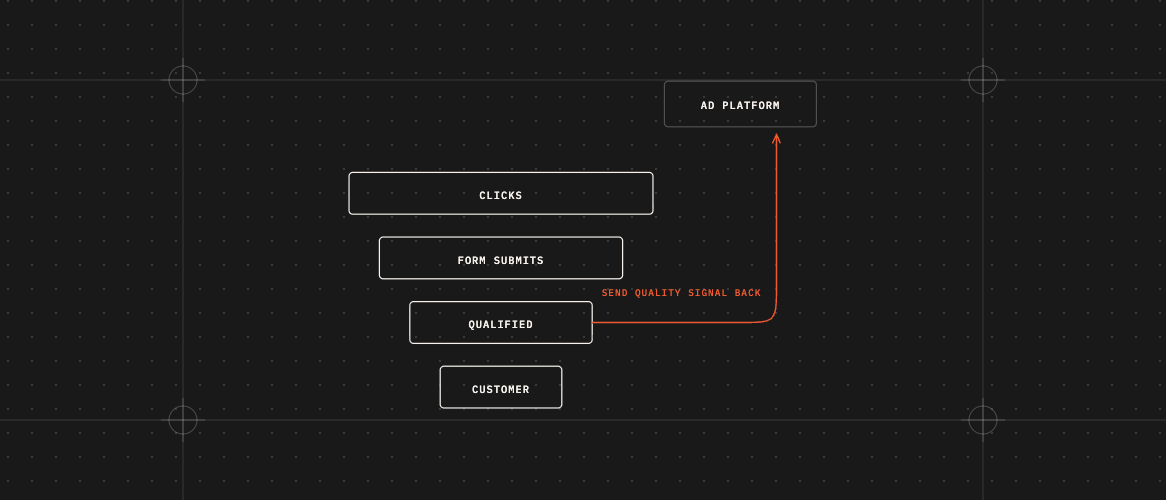
Short answer: Low quality leads often happen because ad platforms give you what you ask for. If you only tell them “someone filled in a form,” they find the people most likely to fill in forms, not the people most likely to buy. To fix it, make your page clear about who it’s for, ask one or two qualifying questions, and tell the ad platforms which leads turned into real customers.
1. The ads are aiming at the wrong goal
If the only thing Google or Facebook learns is “form filled in,” they chase more form fills. The fix is to also tell them which leads became good ones, such as leads that booked a call or became customers. Once they know what a good lead looks like, they can find more of them.
2. The page tries to speak to everyone
A page that fits everyone attracts everyone. Watch for:
- A headline that doesn’t say who it’s for.
- Hidden price, minimum order, location, or who qualifies.
- A free offer that appeals to people who will never buy.
Saying who you’re not for is one of the easiest ways to cut down on low quality leads.
3. The form is too easy
A little effort filters out people who aren’t serious. Try:
- One qualifying question, like budget, timeline, or service area.
- Asking for a work email if you sell to businesses.
- Letting people book a call instead of a plain “contact us.”
You may get fewer leads, but more of them will be real. Test it to find the right balance.
4. Facebook instant forms
Facebook lead forms fill in details people already gave Meta, so they’re very easy to submit. Choose the “Higher intent” form type, which adds a step where people review their details, and add a qualifying question. Meta explains the options in its Business Help Center.
5. Spam and bots
Fake names, nonsense emails, and sudden floods of leads can mean bots, not bad targeting. Add spam protection to your forms.
6. Slow follow-up
Sometimes the leads are fine but nobody calls them back fast enough. Before blaming the ads, check how quickly your team replies.
A simple checklist for low quality leads
- Agree with your sales team on what a “good lead” means.
- Make sure each lead shows which ad and page it came from. (See how to track leads from your ads in HubSpot.)
- Compare good-lead rates by campaign and by page.
- Make your page clear about who it’s for and who it’s not for.
- Add one qualifying question to your form.
- Tell Google, Facebook, and LinkedIn which leads turned into customers. Each needs its own setup, usually a CRM connection or Conversions API.
- Add spam protection and check your reply speed.
FAQ
Should I just add more form fields?
Only add fields that help you tell good leads from bad ones. One good question often beats five general ones.
Will my cost per lead go up?
It might. But the cost of each good lead, or each customer, can go down. That’s the number that matters, so measure it.
How long until I see better leads?
The ad platforms need enough results to learn from, so accounts with fewer leads can take longer. Look at the trend over weeks, not days.
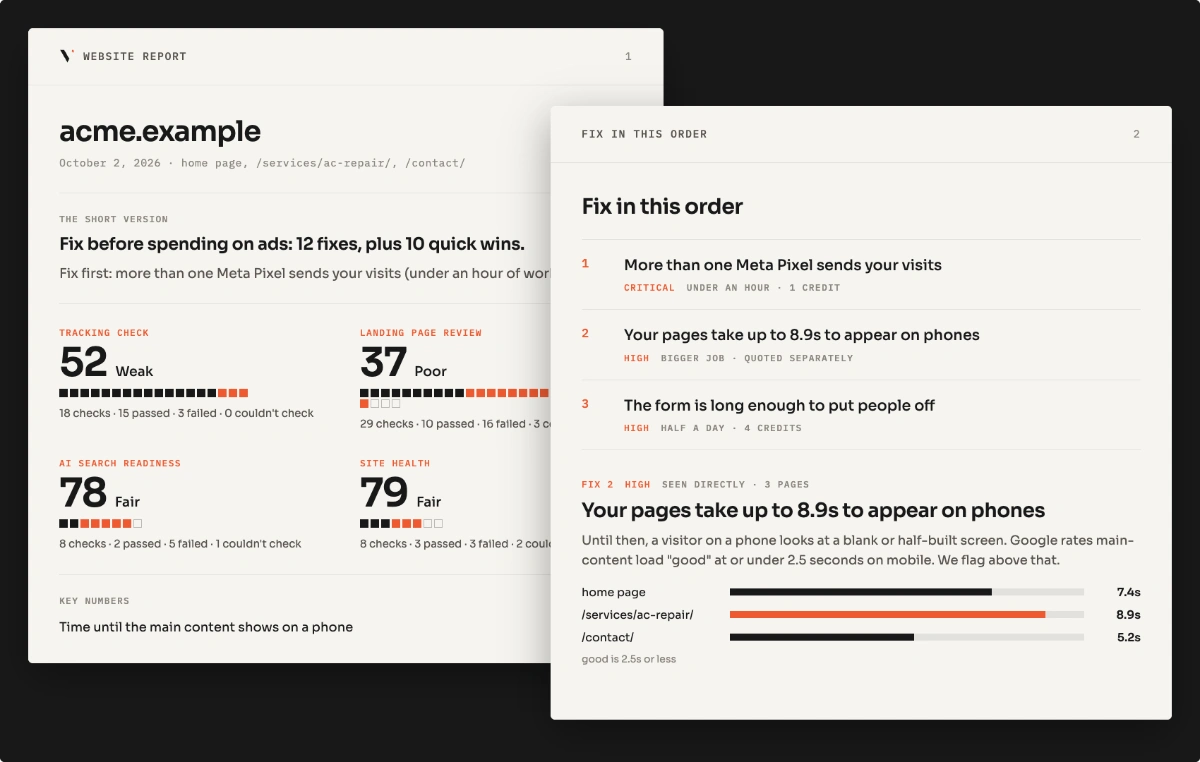
A landing page review looks at the pages behind your ads and gives you a ranked list of changes to get better leads. You can also start with the free landing page scan.
Is your website losing the leads your ads pay for?
Free scan of one page, or the $49 Lead Leak Report for up to three.